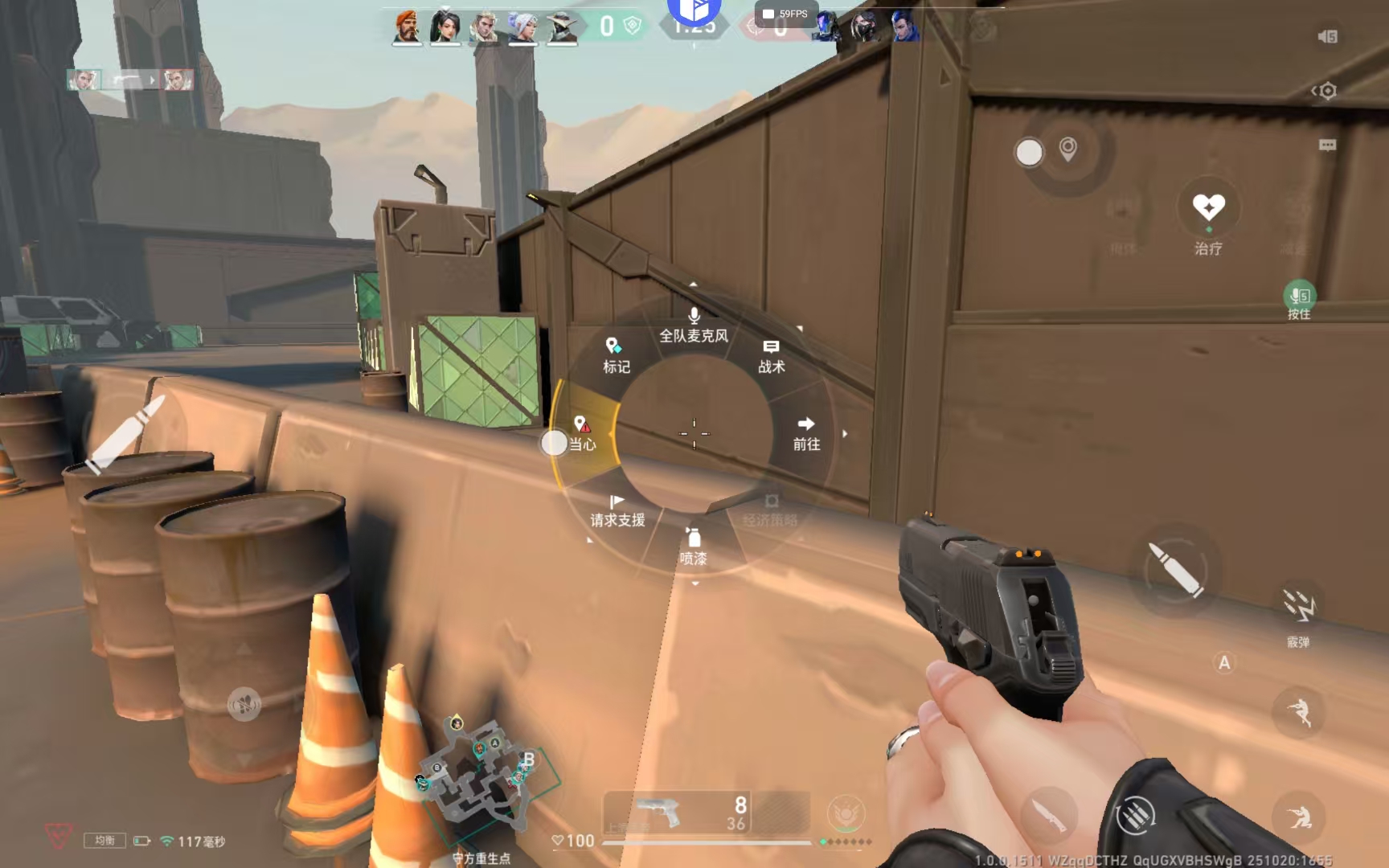
1.Launch a game within the app and tap the floating icon.
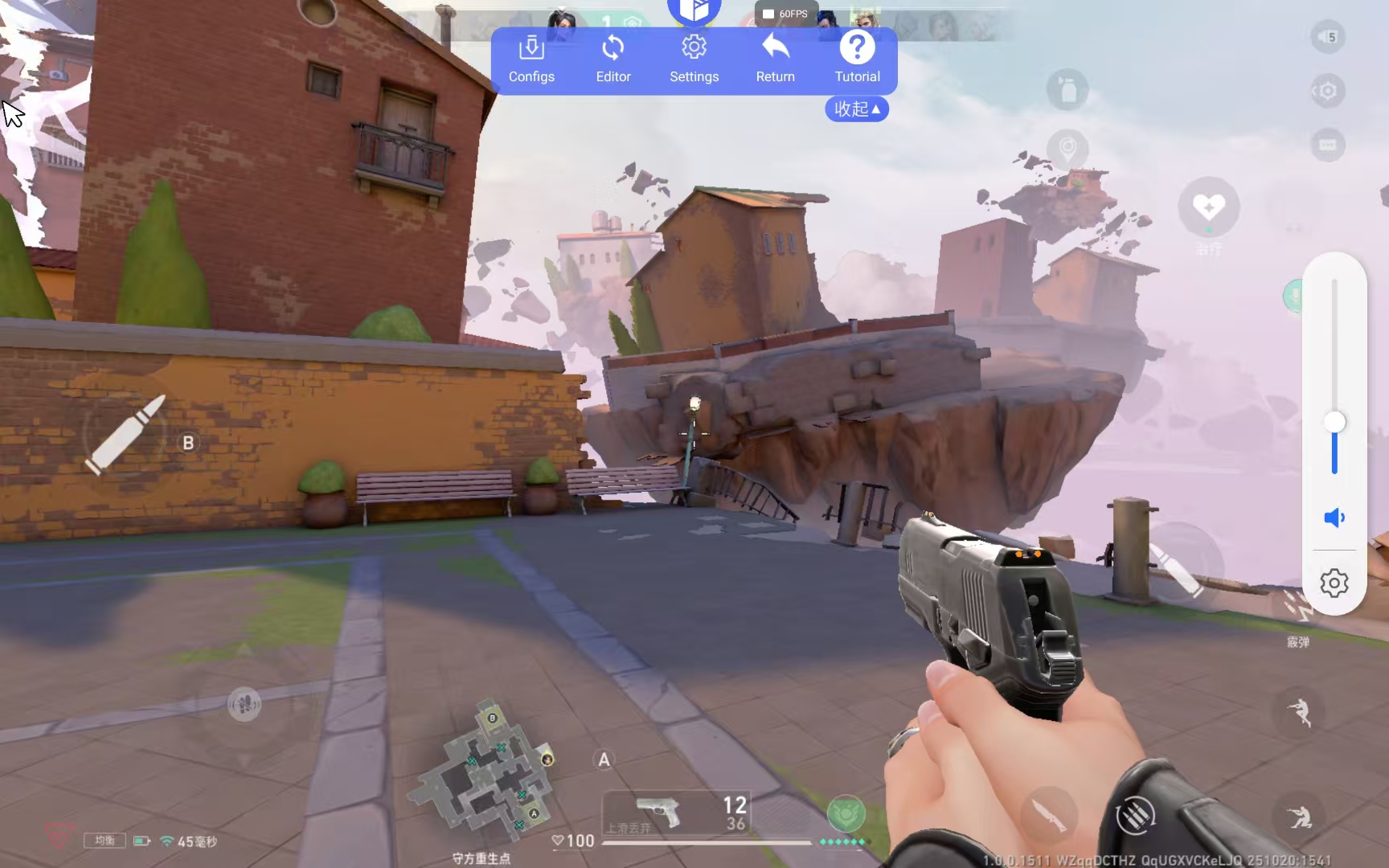
(If the official layout is misaligned, simply manually drag the virtual controls to correct their position.)
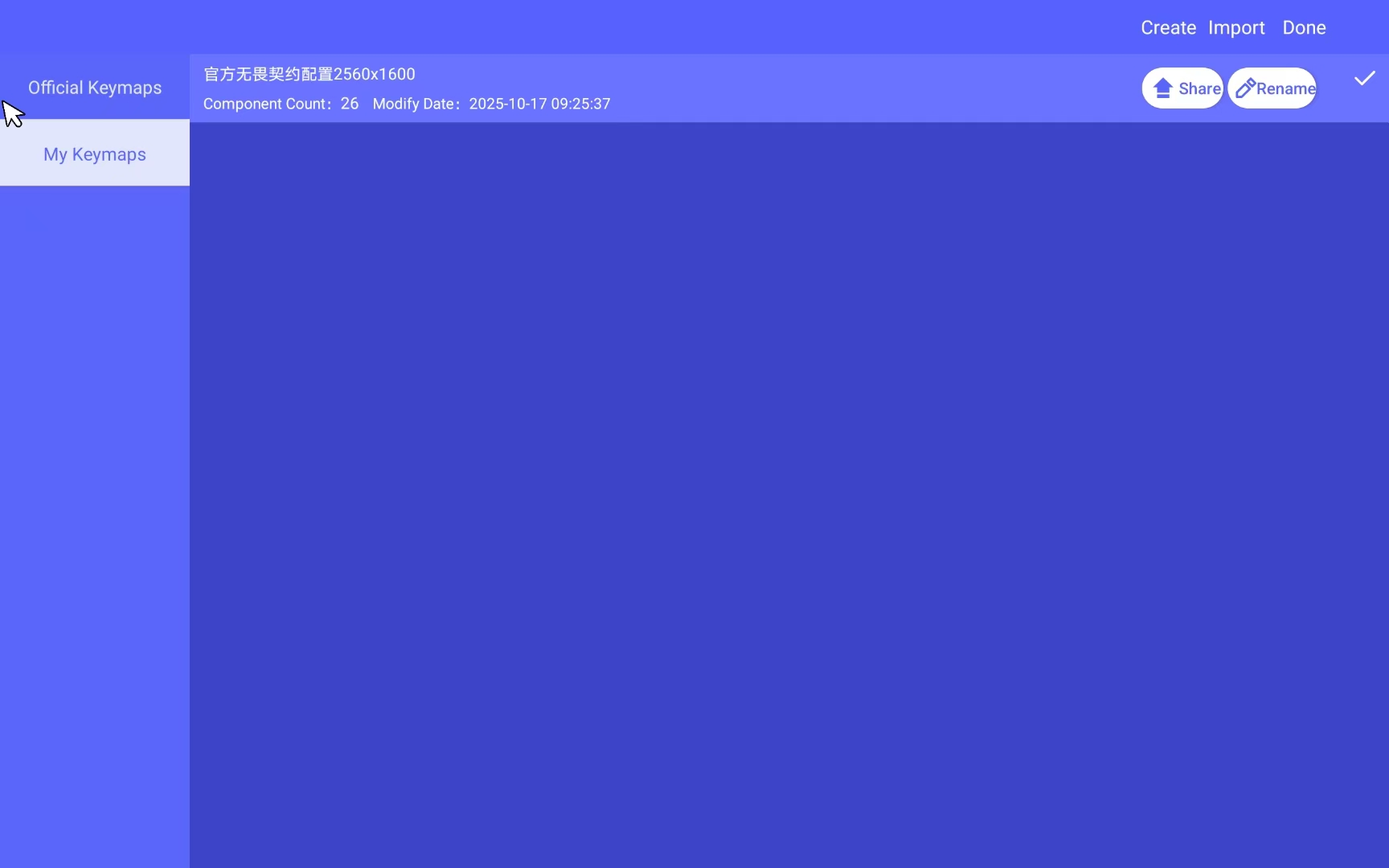
3.If no preset exists, add controls manually: Open the "Editor" section and double-tap on a blank area to create a new key.
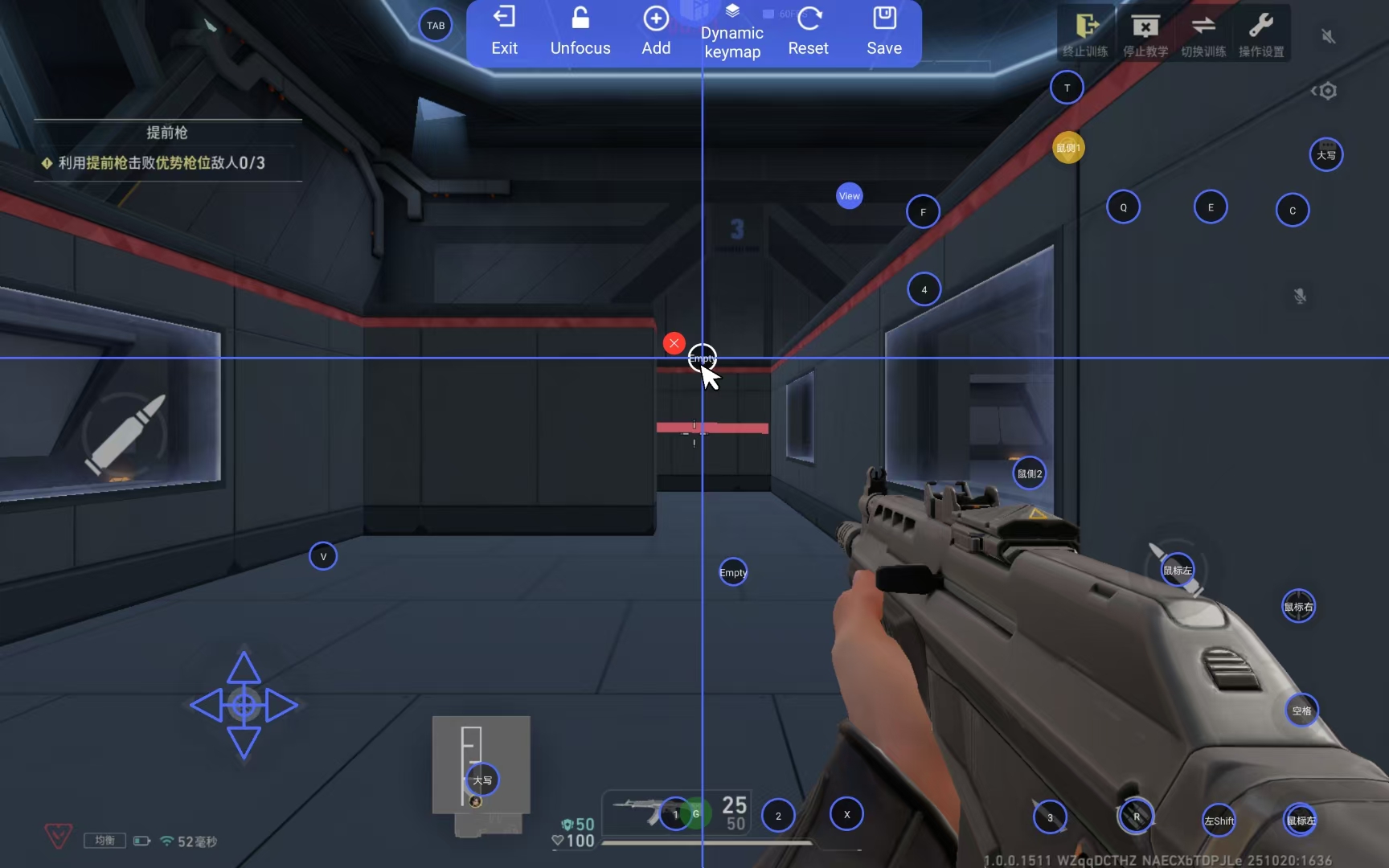
4.Tap the newly created key to enter the edit screen. Here you can assign any keyboard key to it and change its activation mode.
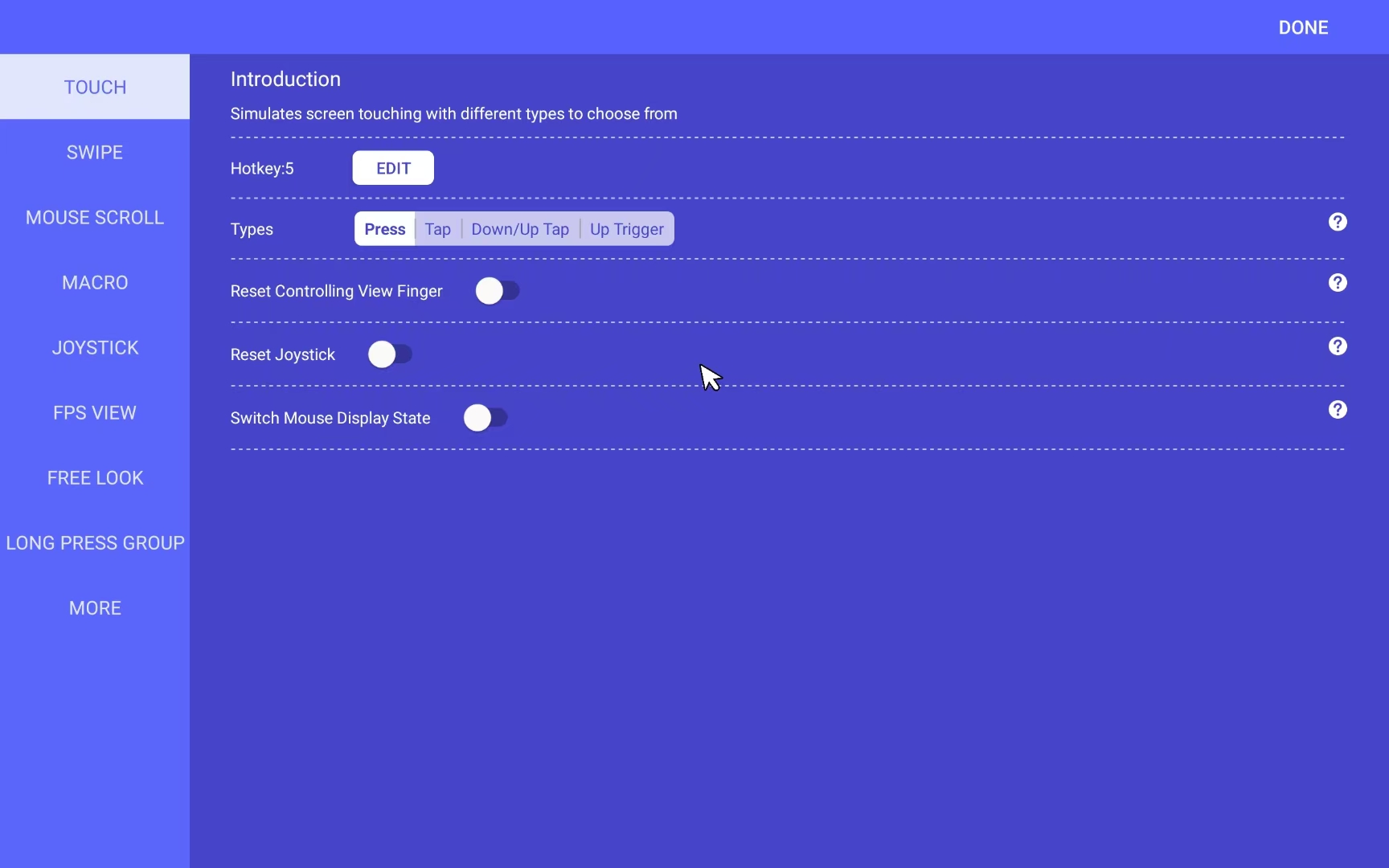
Notice: Do not set duplicate keys!
5.Click the "Add" button to expand the list, then drag the "Free Look" icon and assign it to the key position for cycling grenades/placing marks. 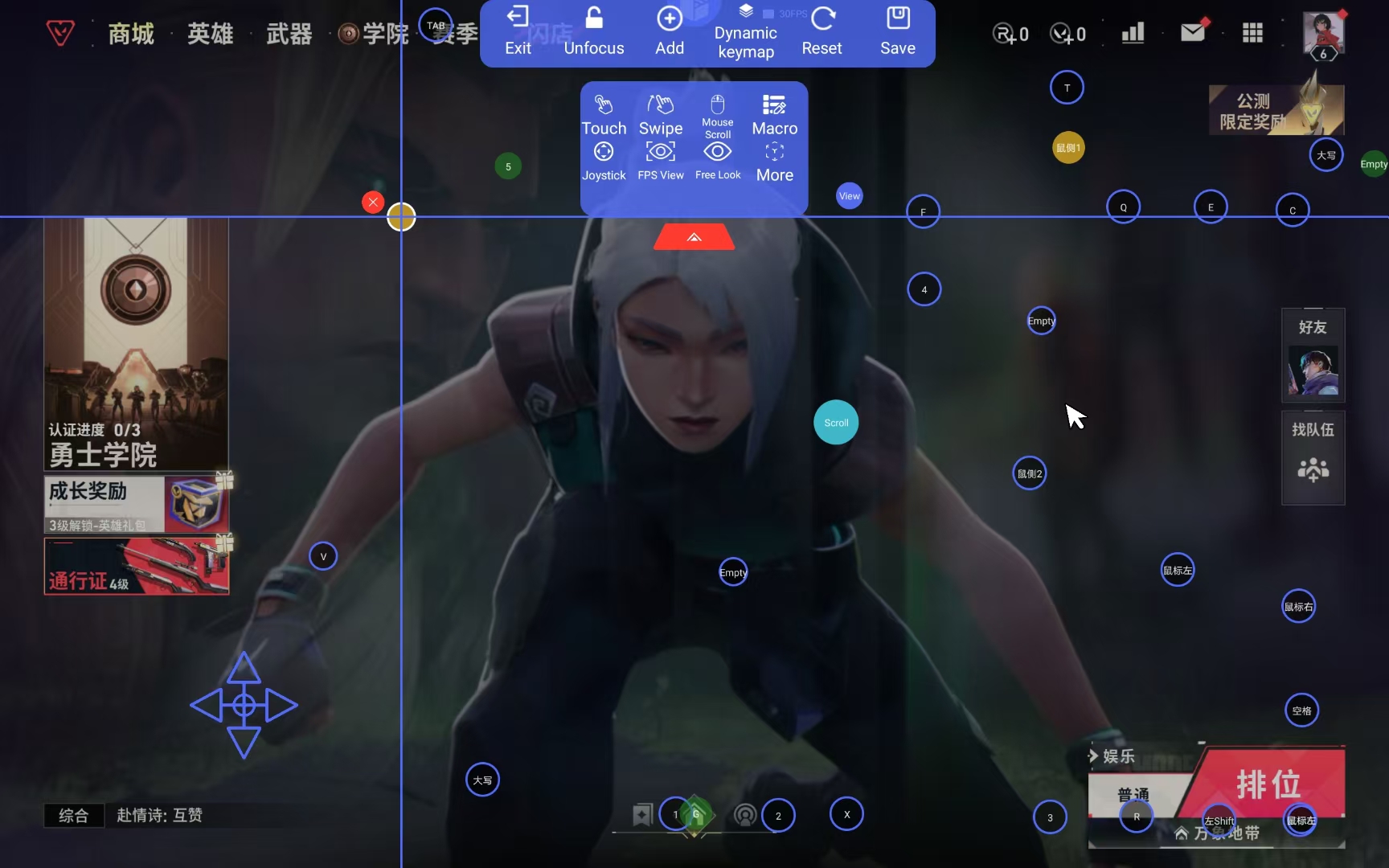
This enables the functionality of using the mouse wheel to cycle through items or place marks.