After setting up your M10, follow these steps to enable controller mode in your game:
Launch the game and navigate to the Settings menu.
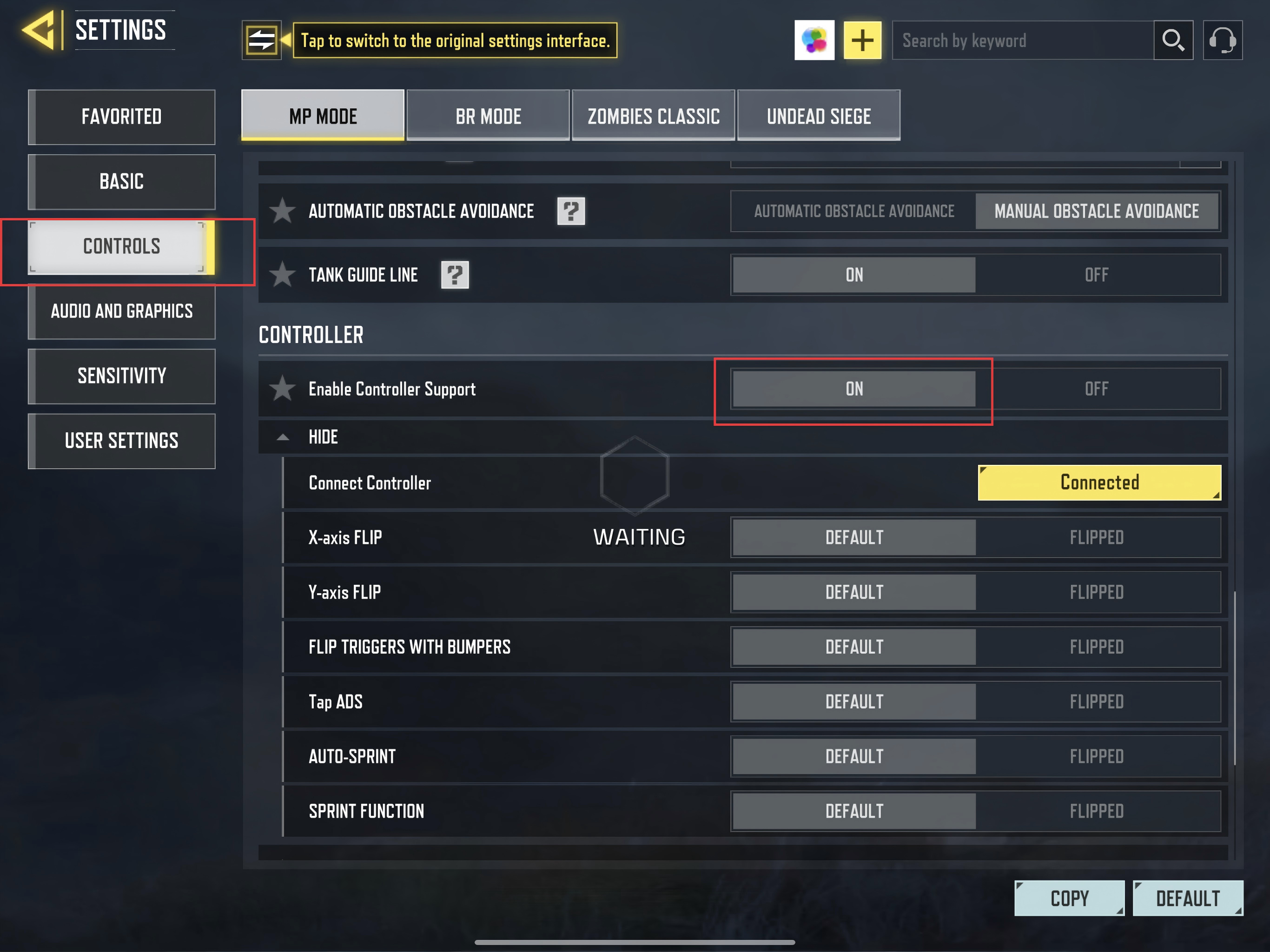
Within Settings, find the Controller option and switch it to "ON".
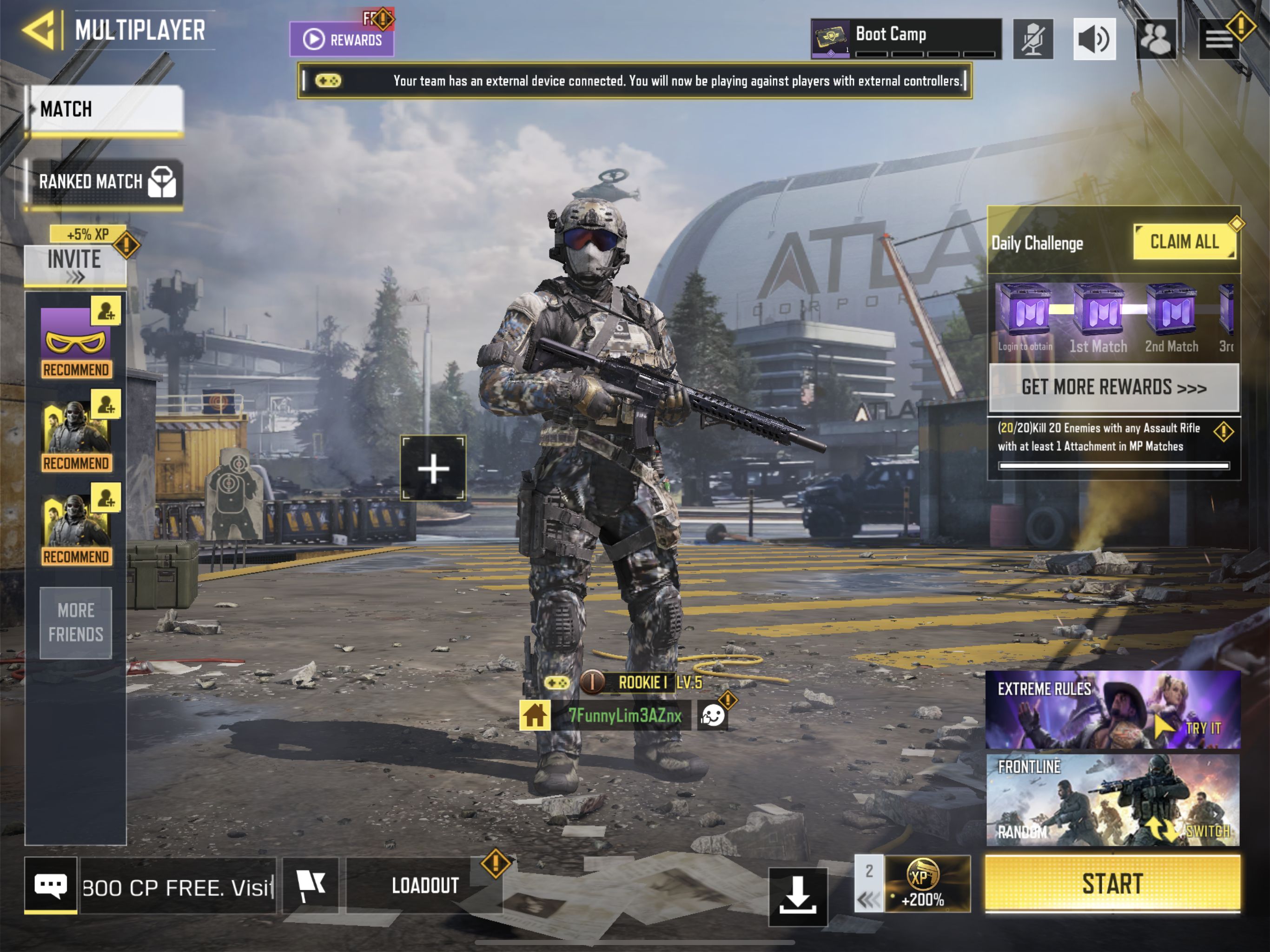
Important Note: When you see the controller icon or a prompt indicating a gamepad is connected, it confirms you are using a hardware controller. This means you will be matched against other players using controllers in-game, not those using touchscreen or emulator controls .

Official key layout diagram
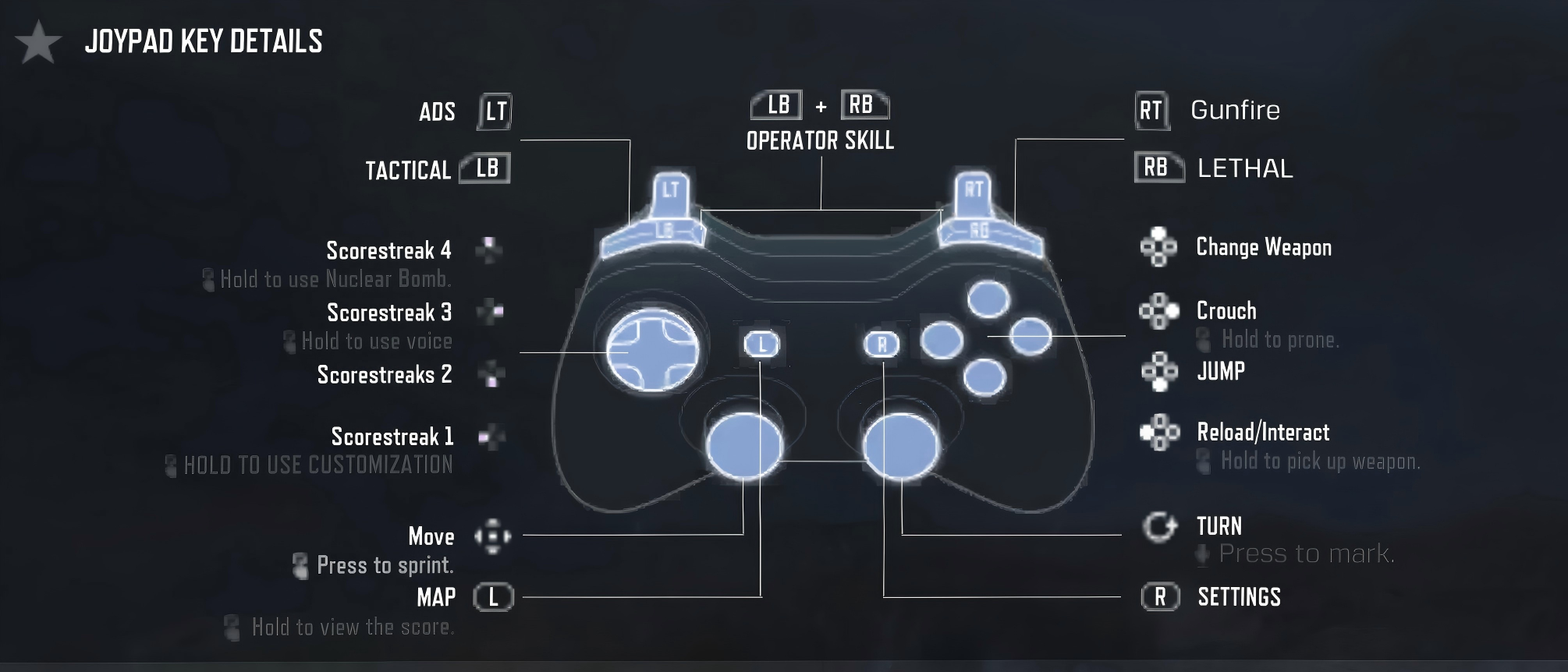
| Controller button layout | Keyboard keys |
|---|---|
| Menu | Tab |
| view | Caps Lock |
| A | Space |
| B | C |
| X | R |
| Y | F |
| lB | Q |
| RB | E |
| LT | Right-click |
| RT | Left Click |
| ↑ | 1/F1 |
| → | 2/F2 |
| ↓ | 3/F3 |
| ← | 4/F4 |
| Home | Esc |